Find the position you’re looking for.
Search diagrams by opening, game phase, or chess theme. Open a result on the page it came from.
Explore diagram search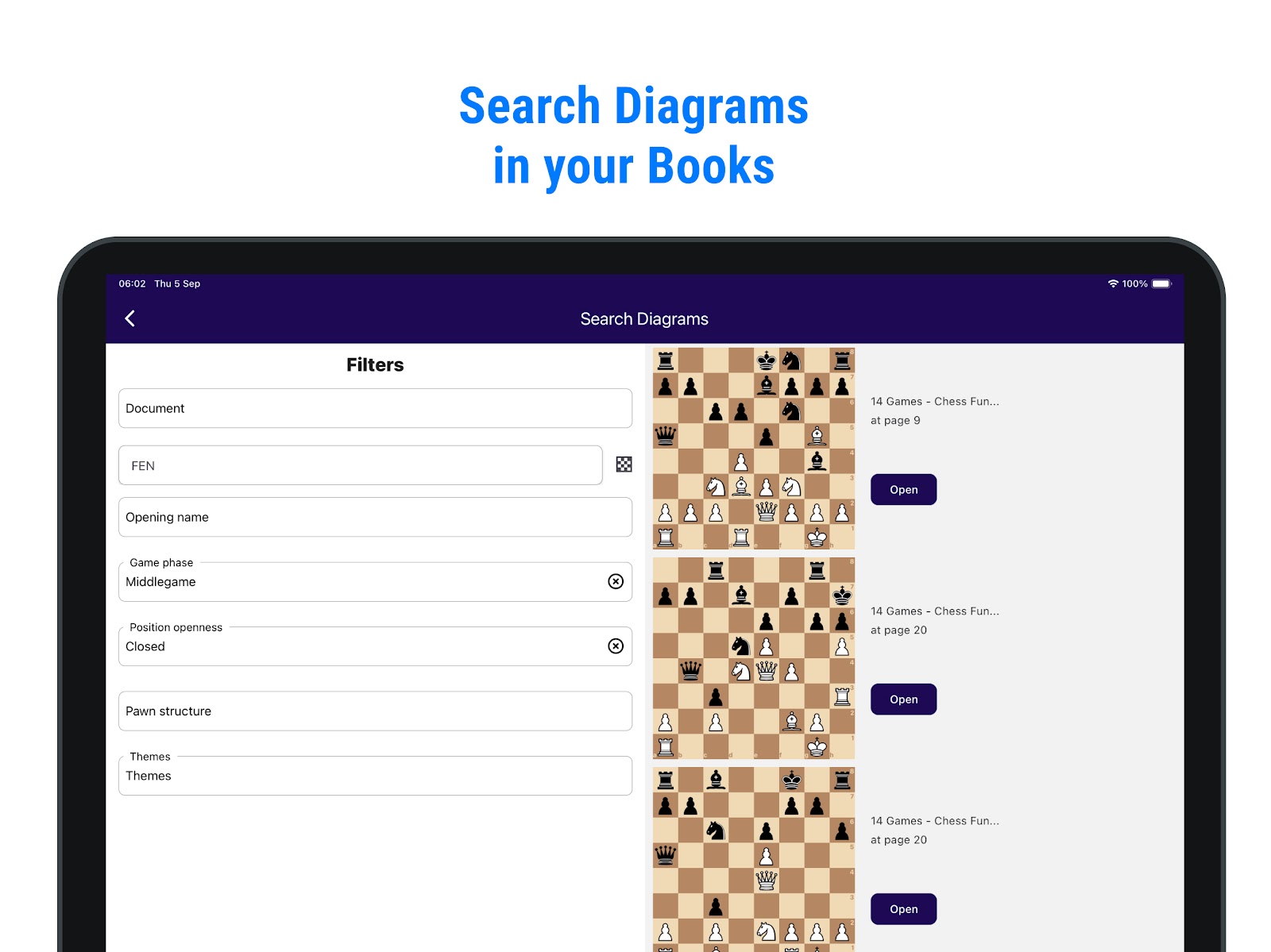
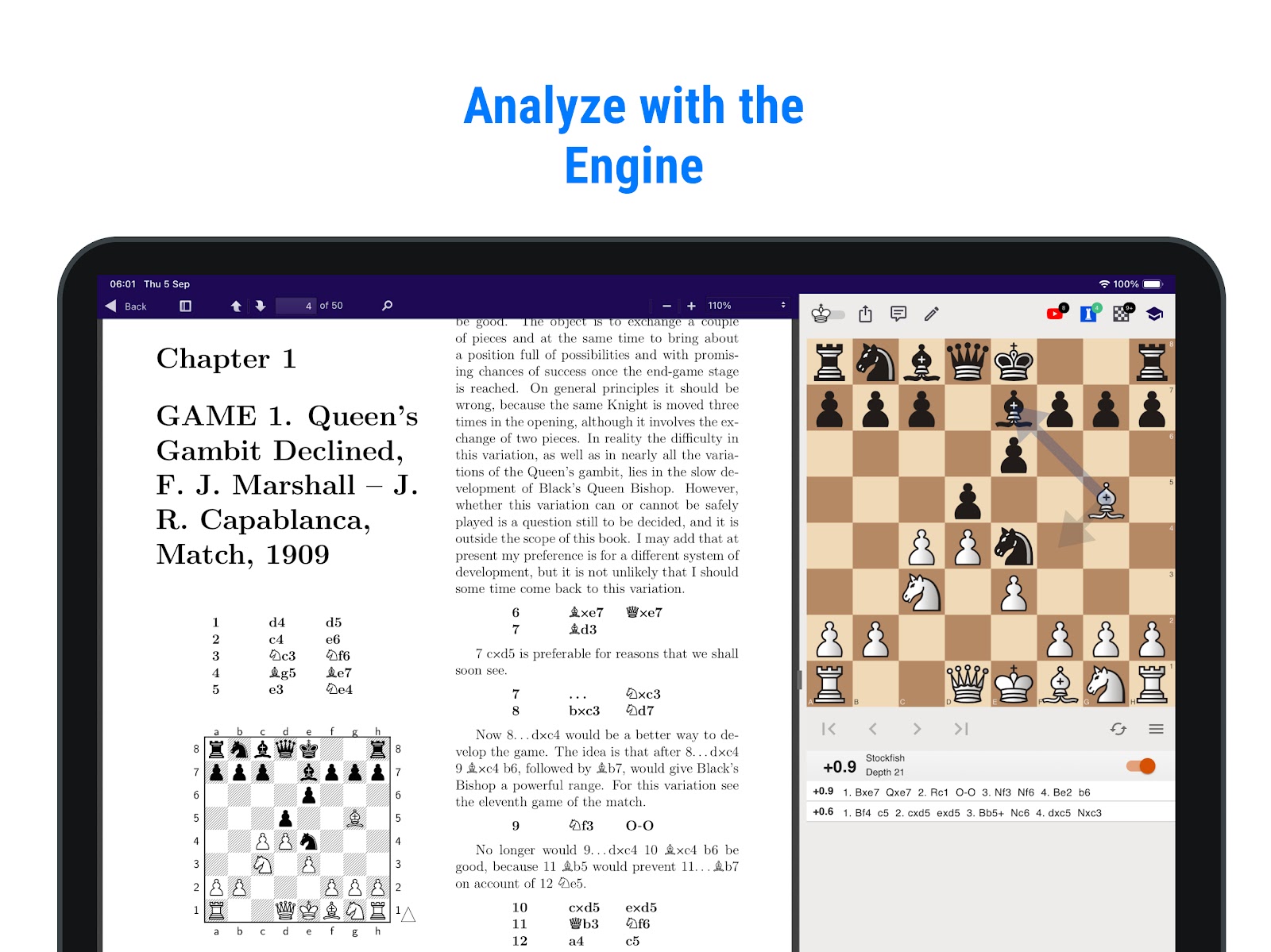
Open a chess PDF you already own. Double-click a diagram and explore the position on an interactive board, right beside your book.
Open in your browser, or get the mobile app.
For iPhone and Android
No need to set up each diagram by hand.
Choose a PDF, ePub, or DjVu file. The Reader finds the diagrams page by page. Each book only needs to be processed once.
Double-click a diagram on a processed page. You can start exploring while the rest of the book is still being processed.
Follow the author’s line, try another move, or turn on the engine to see the reply. Then continue reading.
Find a theme across your books or collect diagrams for your next study session.
Search diagrams by opening, game phase, or chess theme. Open a result on the page it came from.
Explore diagram searchSelect positions in Study Creator, add comments, and export a PDF exercise sheet or PGN for further study.
Explore Study Creator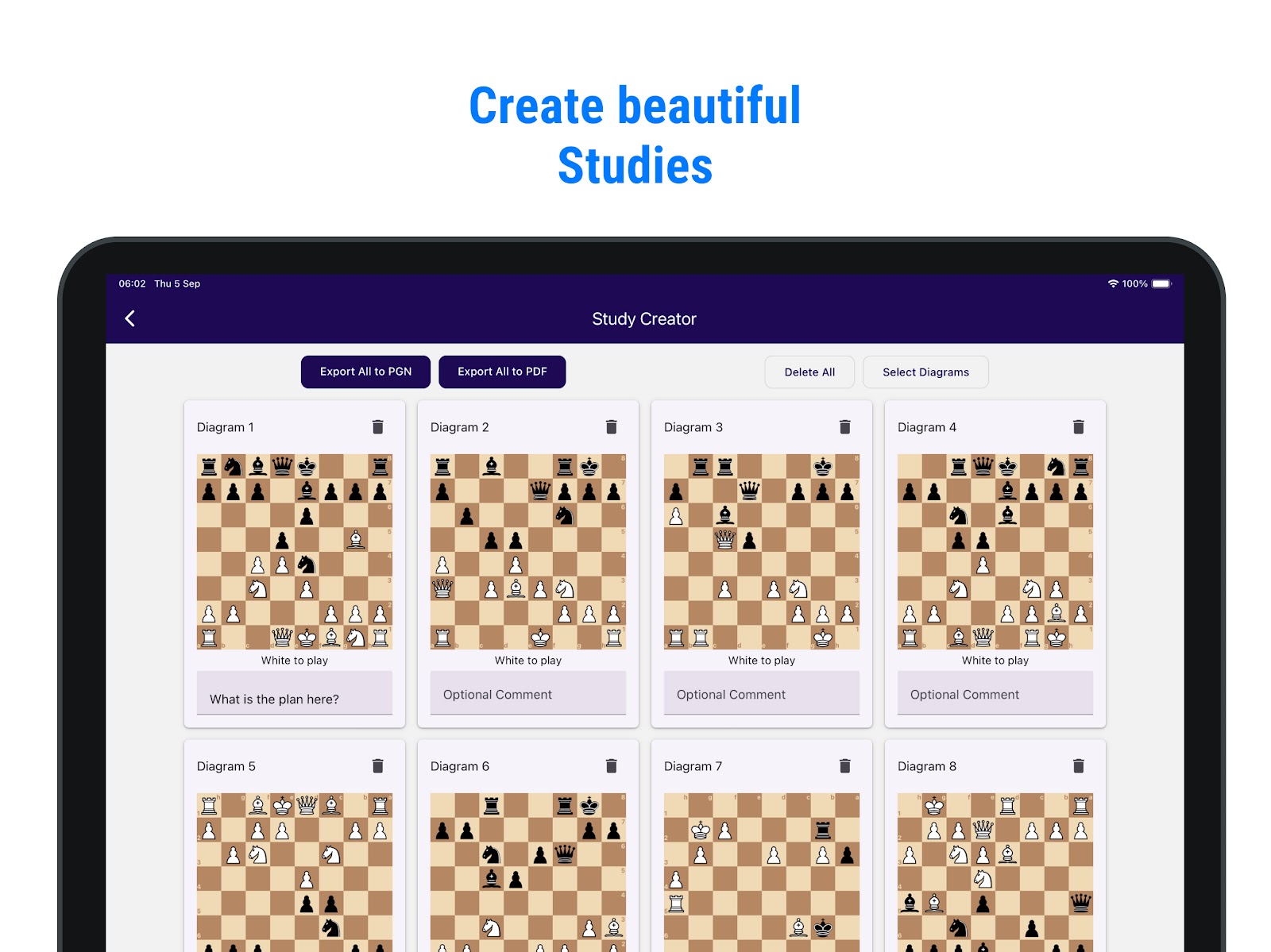
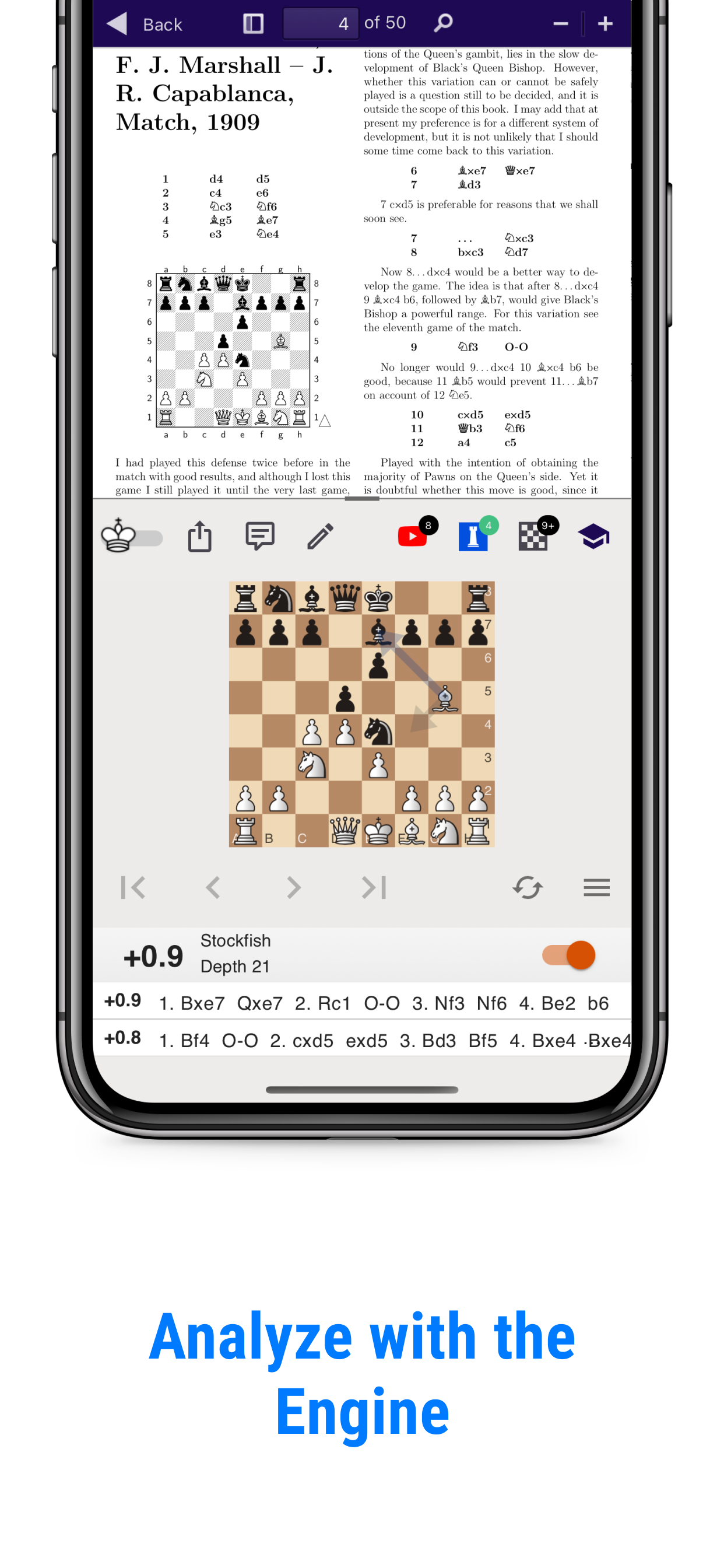
Double-tap a diagram in the mobile app to open the board. Move the pieces, explore a variation, and return to your reading.
Sign in with the same account to find your uploaded books in My Documents on your computer, phone, or tablet.
For iPhone and Android
A fantastic app that unlocks the power of chess books!
Great work better than older chess book study which is no longer working on updated android devices. Highly recommended🥰🥰🥰
Open the Reader, choose your book, and explore its diagrams.
PDF · ePub · DjVu