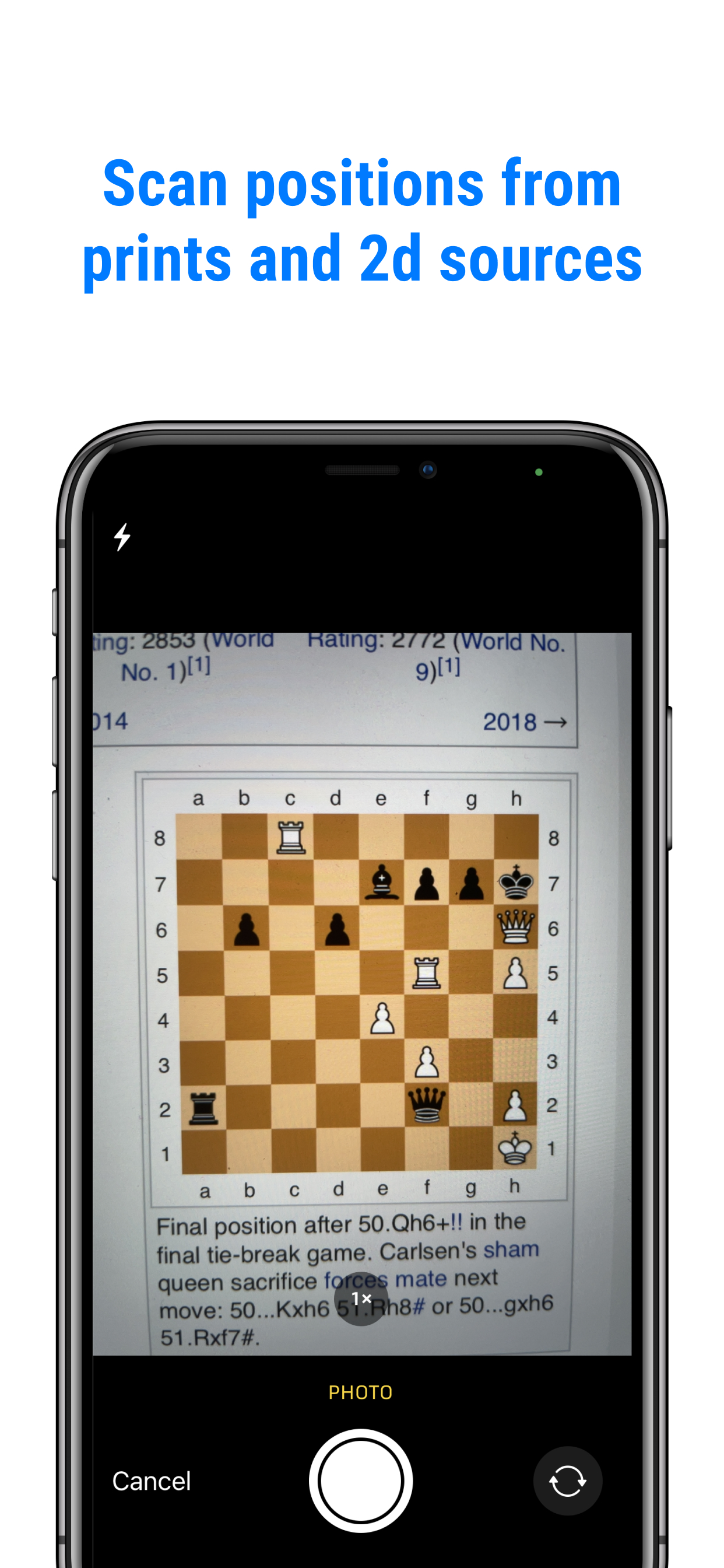
From a book
Take a picture of the puzzle with the camera in Chessvision.ai.
Stuck on a chess puzzle? Take a picture with Chessvision.ai, open a saved image, or share a screenshot. See the engine’s best move and explore the replies on an interactive board.
For iPhone and Android
See a puzzle explained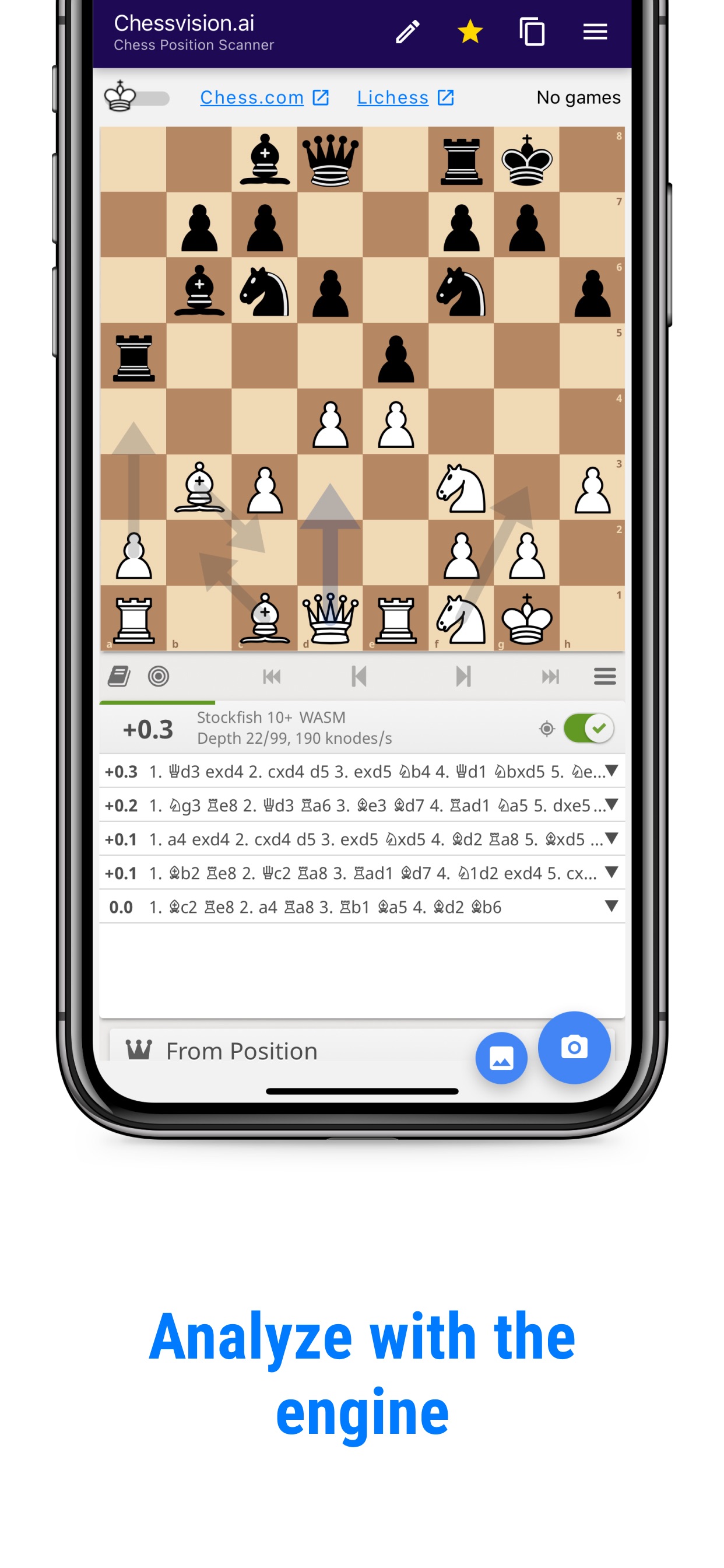
Choose the way that fits. Chessvision.ai recognizes the position and opens the board for you.
Take a picture of the puzzle with the camera in Chessvision.ai.
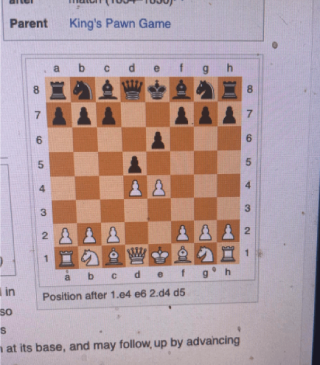
Open a saved chess image from Photos or Gallery inside the app.
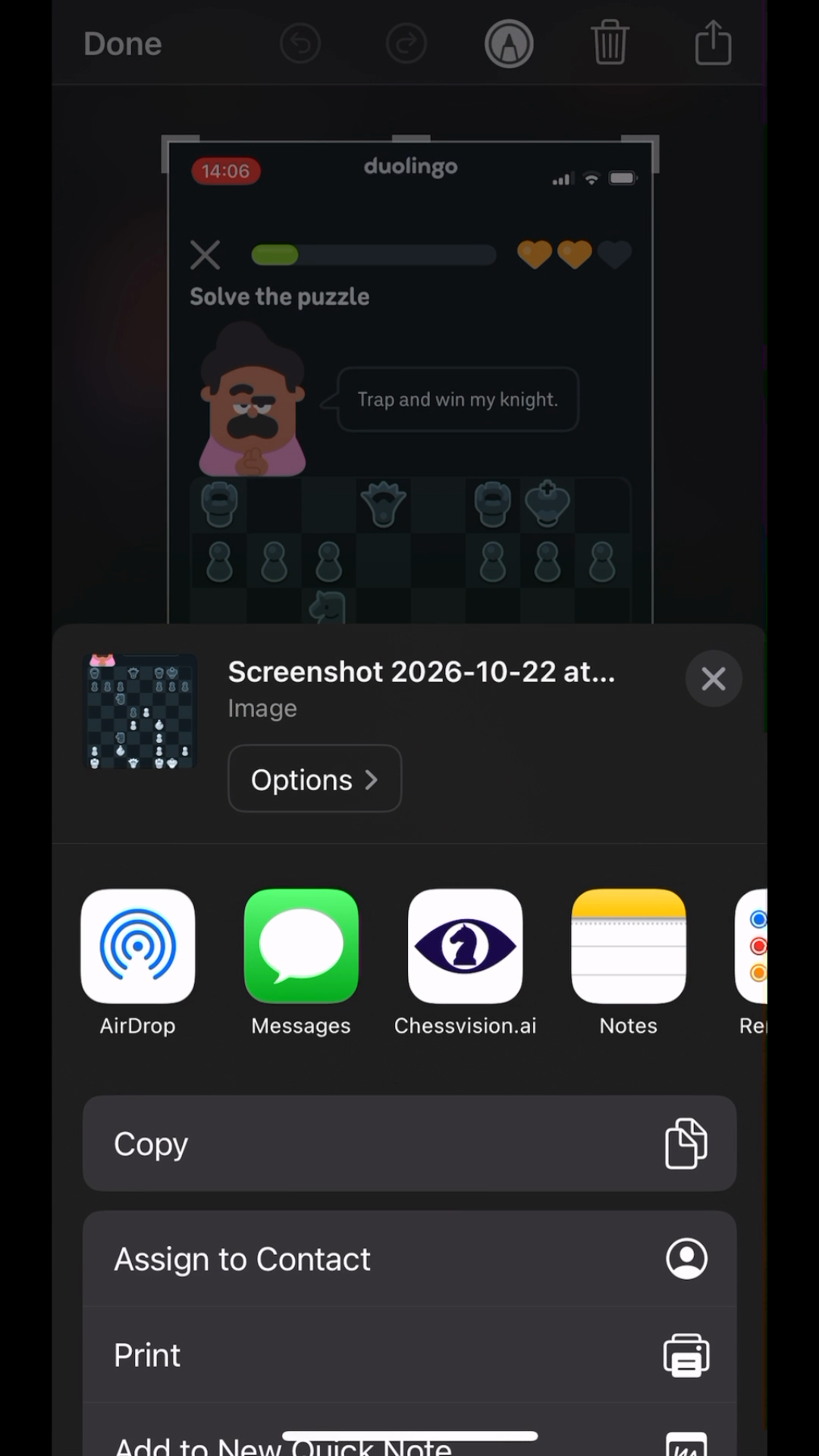
Tap Share on a screenshot and send it straight to Chessvision.ai.
The pieces are ready on the board.
See the best move and suggested continuation.
Play through the moves to see the idea.
In this Duolingo puzzle, the goal is to trap a Knight. Queen to d2 looks tempting. Queen to d3 is the engine’s recommendation. Playing the replies reveals the difference.
Black takes a Pawn. White captures the Knight, but the other Knight gives check and attacks the Queen at the same time.
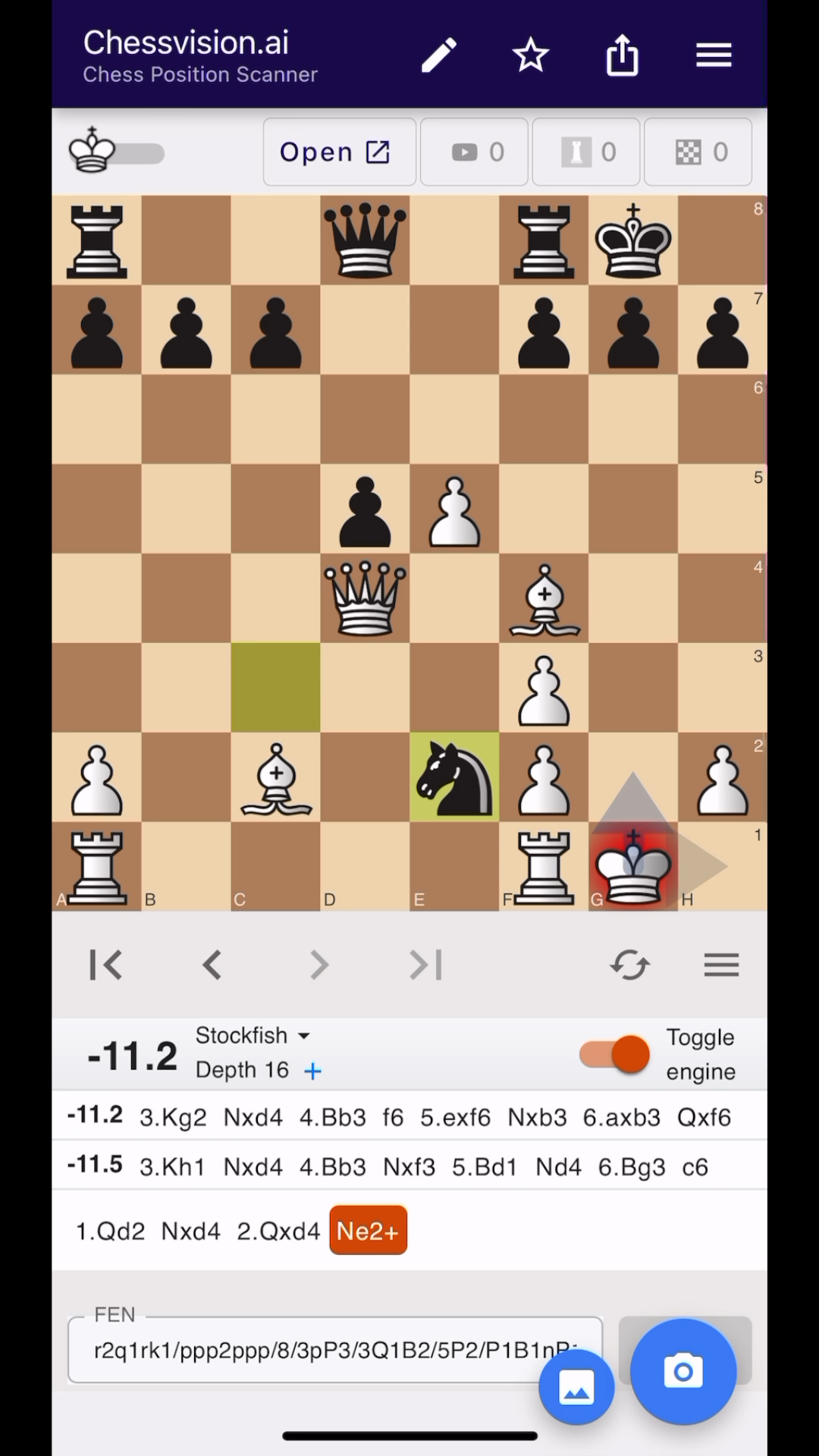
1. Qd2 Nxd4 2. Qxd4 Ne2+The check comes with an attack on the Queen.Queen to d3 attacks the Knight and threatens mate on h7. If Black takes the same Pawn, White can deliver checkmate.
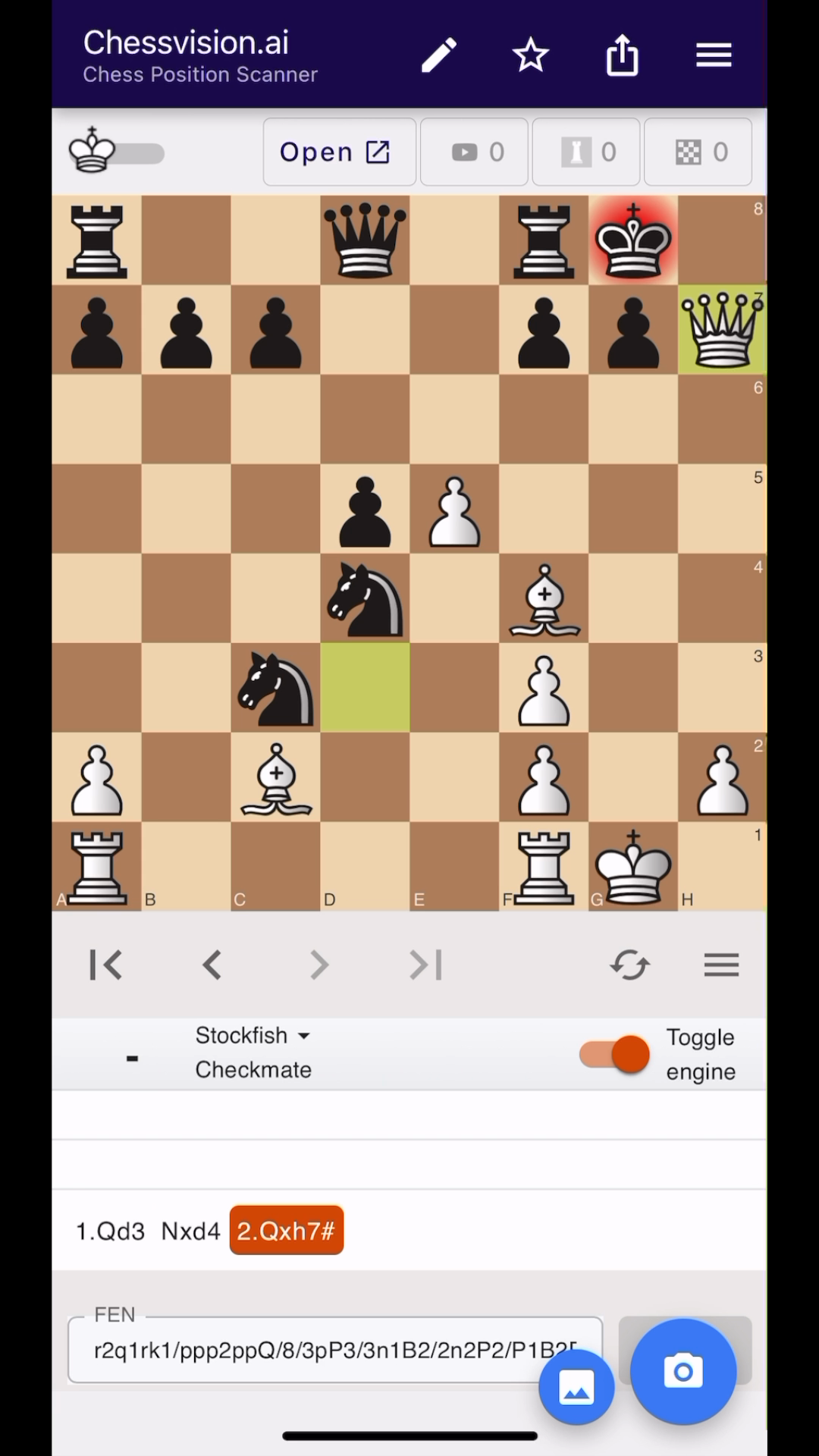
1. Qd3 Nxd4 2. Qxh7#Taking the Pawn now allows checkmate.Now the move has a reason. Qd3 creates a threat that Qd2 doesn’t. Exploring the same reply after each move makes that difference visible.
Leave the engine off and try moves for both sides. Switch it on when you’re ready to see how your ideas compare.
If I can’t figure out why my variation didn’t work, I take a picture and get the answer within seconds.
No other programs accuracy comes close to this one on importing images.
The free browser extension scans diagrams from websites and opens the position for analysis.
Get Chessvision.ai, scan your puzzle, and explore the moves.
For iPhone and Android