Find your next move.
Start with a photo.
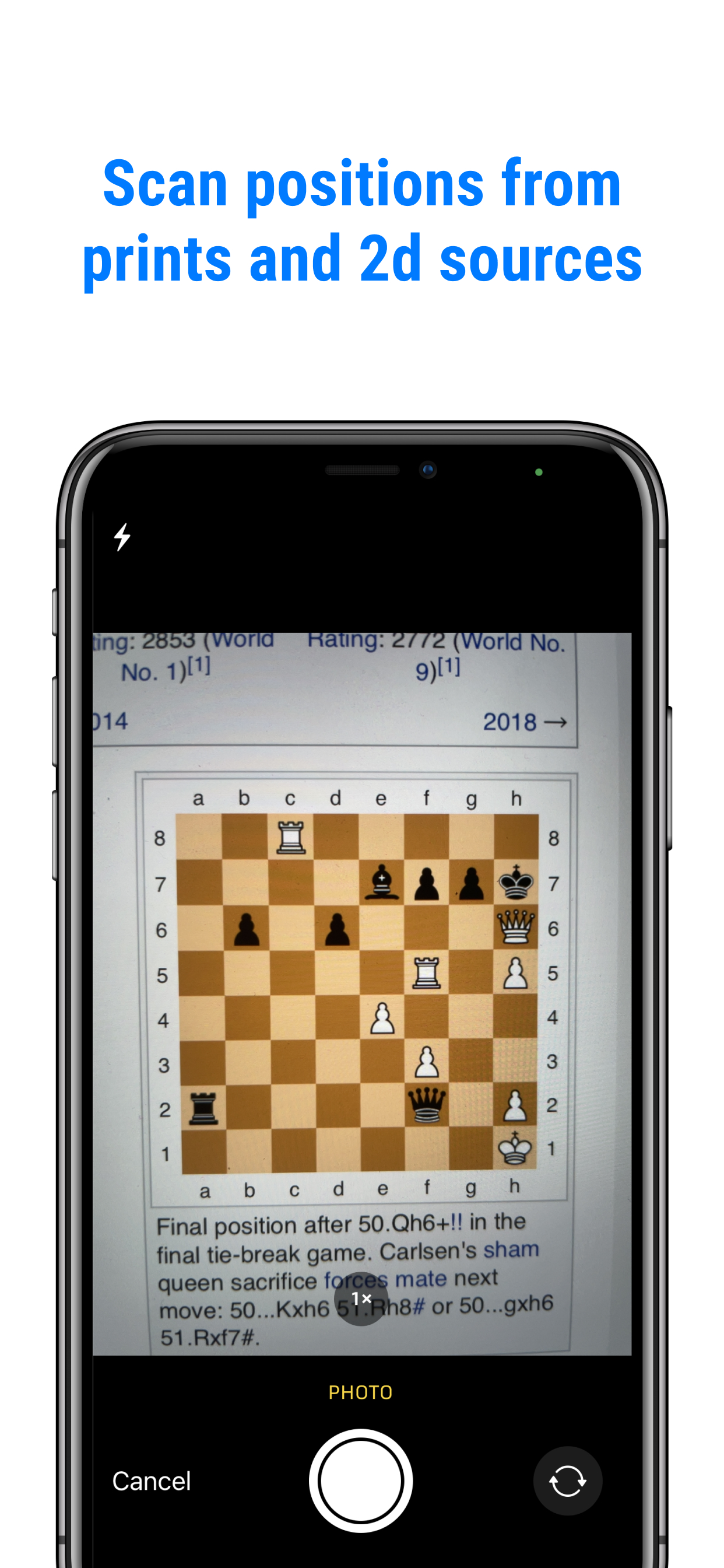
Take a picture of a chess position, open a saved image, or share a screenshot. See the engine’s best move, try your own idea, and explore what comes next.
For iPhone and Android
See how to compare moves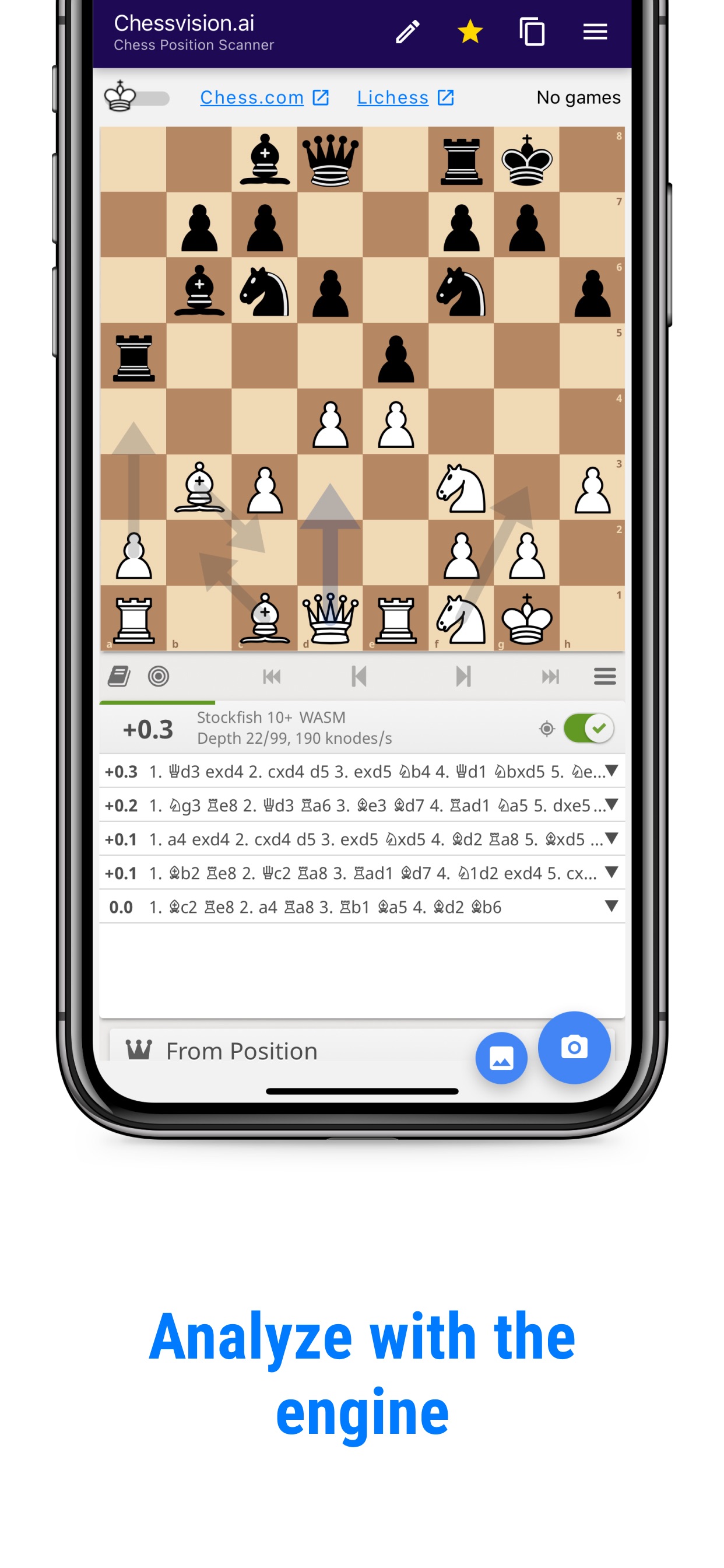
Explore them on the same board.
A move caught your eye.
Take a closer look.
Revisit a moment from a completed game or follow an idea in a chess book. Start with the image you have.
Take a picture
Open the camera in Chessvision.ai and photograph the diagram.
Open a saved image
Choose a chess image from Photos or Gallery inside the app.
Share a screenshot
Take a screenshot, tap Share, and choose Chessvision.ai.
How does your idea compare?
The first move is only the beginning. Play a few moves for both sides to see where each idea leads.
Try your move
Keep the engine off and play the move you had in mind. Try the opponent’s strongest reply.
What would I play here?
Ask the engine
Return to the starting position and turn the engine on. Play its suggested move and follow the continuation.
What does the engine suggest?
Explore the difference
Try a different defense. Go back and compare. Look for the threat, capture, or reply that changes the result.
Which reply did I miss?
Find it today.
Practice it tomorrow.
Tap the star/save button to keep a scanned position. Find it in Library’s Inbox with the same Chessvision.ai account.
Add your continuation to a Study and enable Flashcards to practice the moves later.
Open Chessvision.ai Library How saved positions work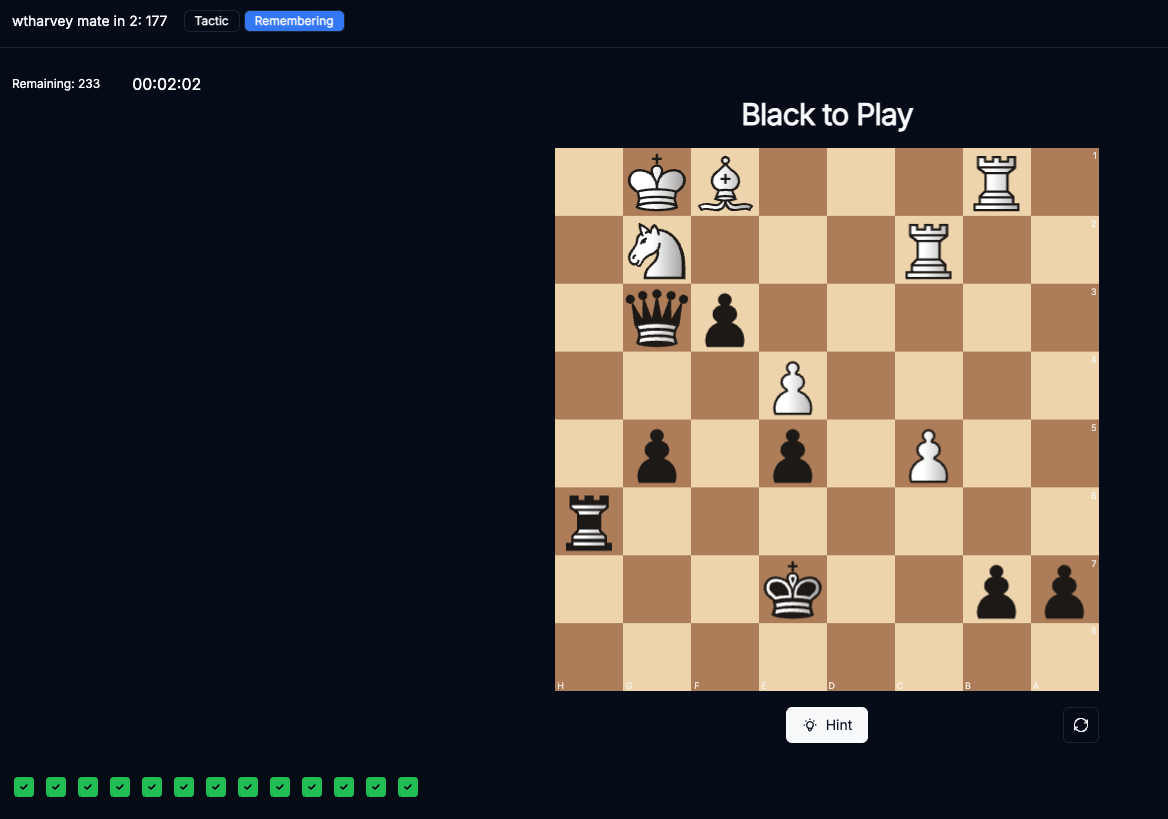
How players use the Scanner
If I can’t figure out why my variation didn’t work, I take a picture and get the answer within seconds.
No other programs accuracy comes close to this one on importing images.
Found a position on a webpage?
The free browser extension scans chess diagrams from websites and opens them for analysis.
Finding your next chess move
How do I find the next best chess move from a picture?
Can I compare the move I played with the engine’s suggestion?
Does it work as a chess move calculator?
Can I try my own idea before seeing the best move?
Can I save a position to practice later?
Is Chessvision.ai free to try?
See where your next move leads.
Open a position in Chessvision.ai and try the ideas on your mind.
For iPhone and Android