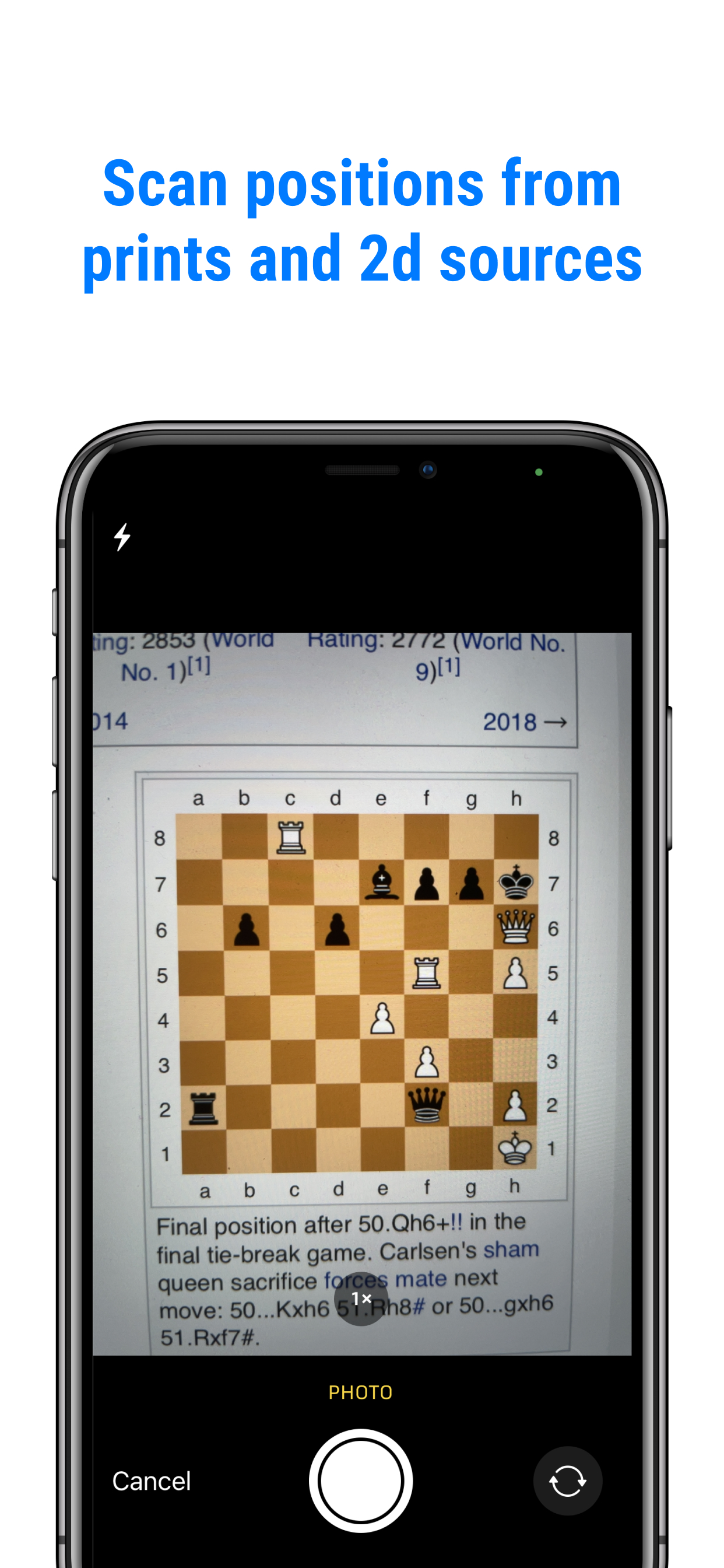
Take a picture
Reading a chess book? Open the camera in Chessvision.ai and take a photo of the diagram.
That position in your book, photo, or screenshot? Open it in Chessvision.ai and start playing through your ideas.
For iPhone and Android
Watch it in action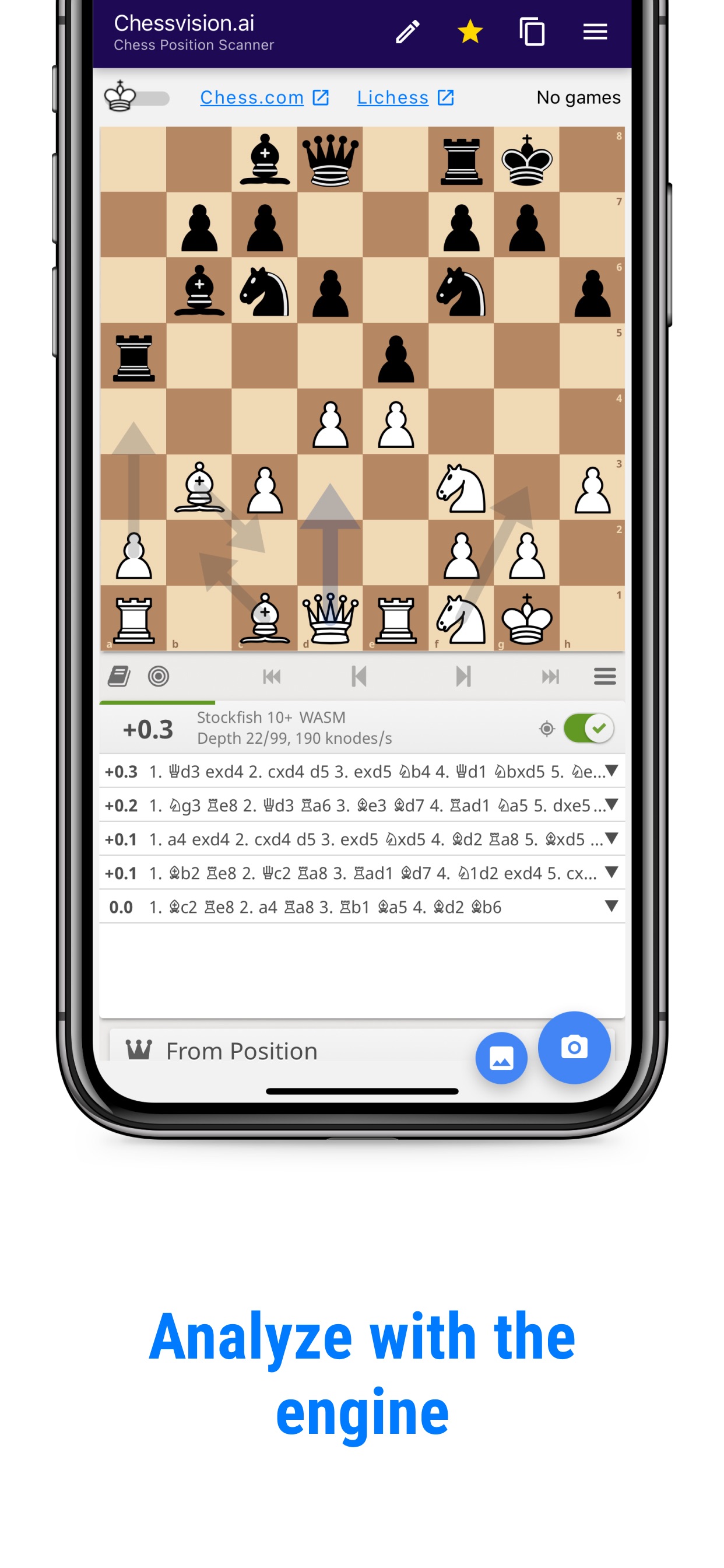
No need to set up the pieces one by one.
Reading a chess book? Open the camera in Chessvision.ai and take a photo of the diagram.
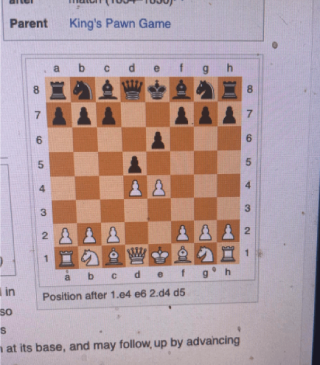
Have the position on your phone already? Choose an image from your Photos or Gallery inside the app.
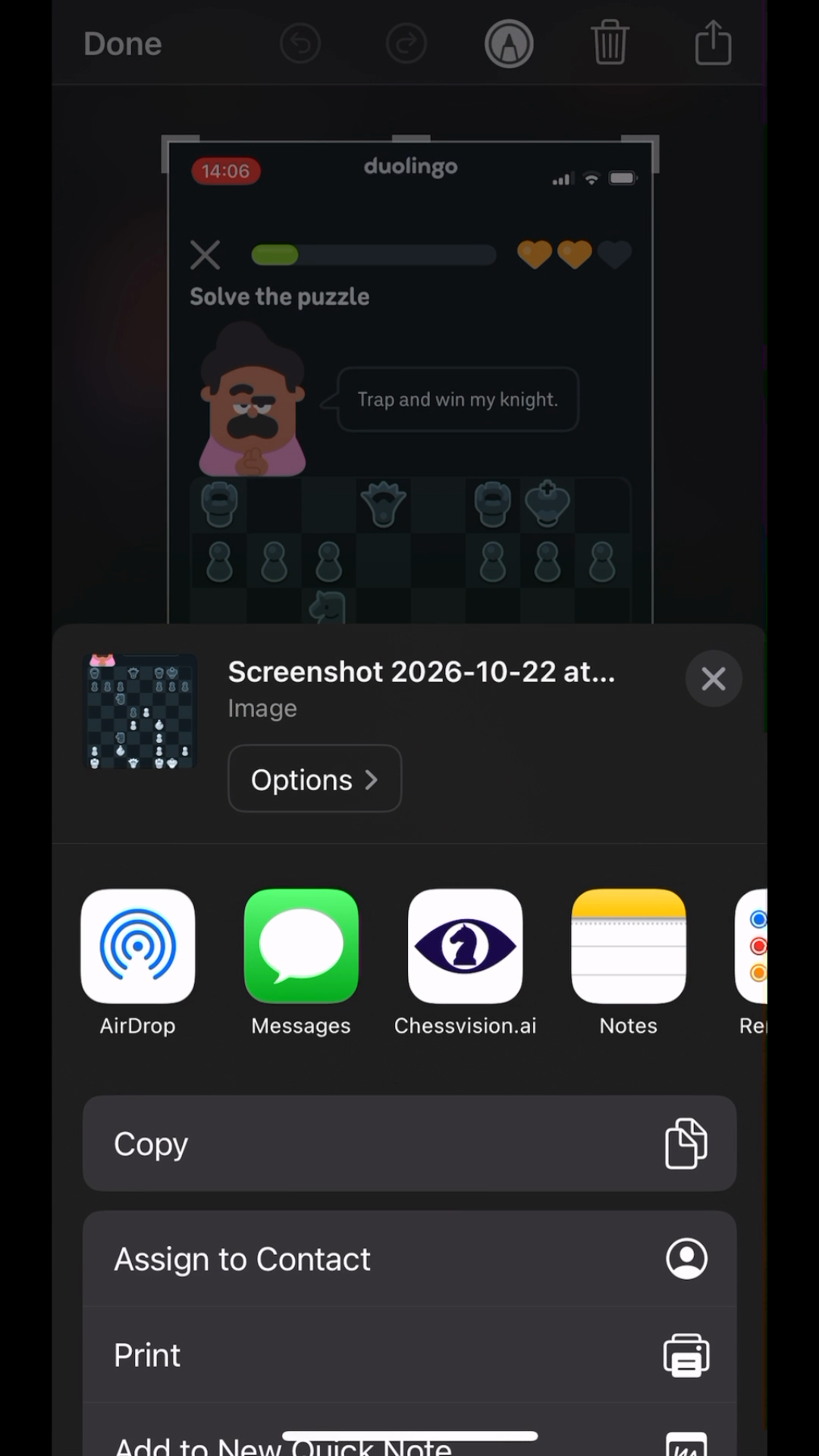
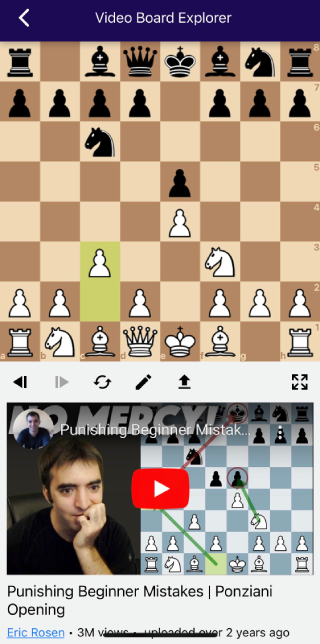
See a position in another app? Take a screenshot, tap Share, and choose Chessvision.ai.
Chessvision.ai recognizes the diagram and opens the position on the analysis board.
Move the pieces and follow the ideas that caught your attention. The board is ready for you to explore.
If I can’t figure out why my variation didn’t work, I take a picture and get the answer within seconds.
No other programs accuracy comes close to this one on importing images.
The free browser extension scans positions from webpages so you can analyze them and copy their FEN.
Get Chessvision.ai and turn your next chess image into a board you can use.
For iPhone and Android