Take a photo
Point the app’s camera at a diagram in your book and take a picture.
Chessvision.ai recognizes the pieces in a chess diagram and opens the position on an interactive board. Take a photo, choose a saved image, or share a screenshot to get started.
For iPhone and Android
See how recognition works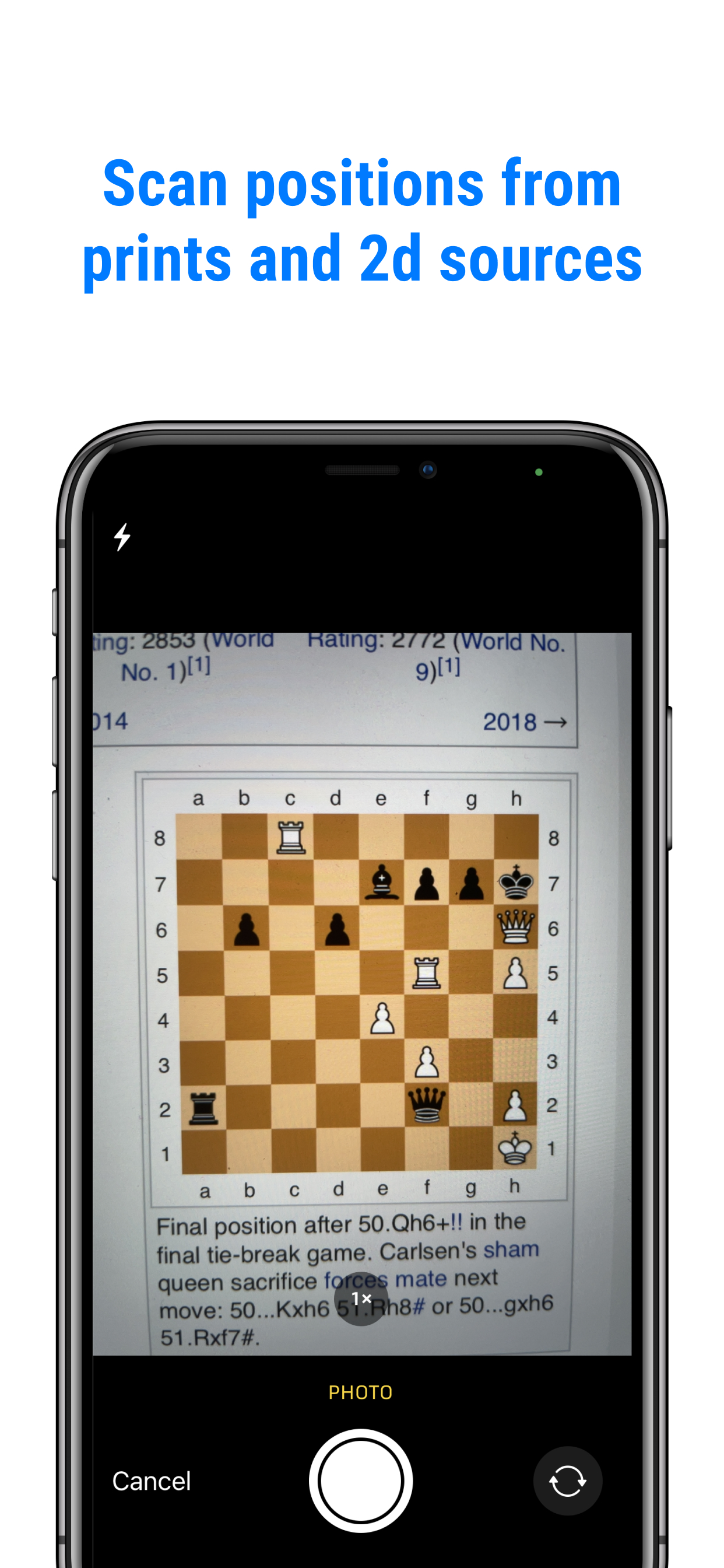
OCR is short for optical character recognition. It usually means reading letters and numbers from an image and converting them into usable text.
With a chess diagram, the useful information is the position: which piece is on each square, its color, and which squares are empty. That is the recognition task Chessvision.ai is built for.
Recognize characters in a document.
Recognize the arrangement of chess pieces.
Board detection and piece recognition solve two different parts of the problem.
Find the board inside the picture and identify its grid of 64 squares. The diagram may be surrounded by book text or other content.
Determine whether a square is empty or contains a piece. For a piece, identify its type and whether it is White or Black.
Represent the recognized position digitally and load it on an interactive board. Now you can move the pieces, analyze, or copy its FEN.
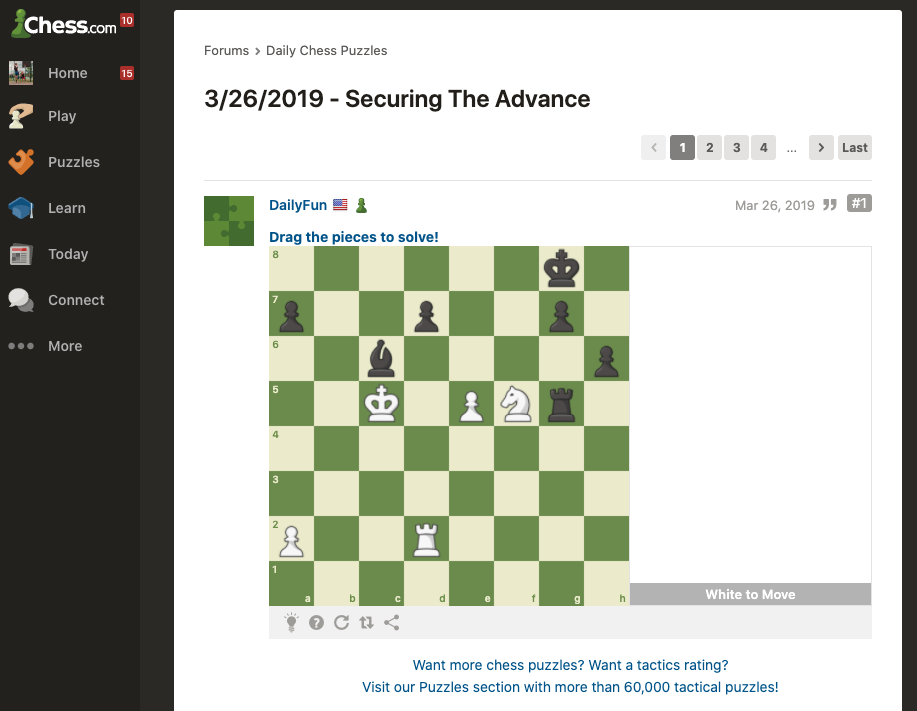
Choose a square to see how its contents are described.
NAn uppercase N represents a White Knight in FEN.
6k1/p2p2p1/2b4p/2K1PNr1/8/8/P2R4/8This describes the pieces, rank by rank. A complete FEN also includes information such as whose turn it is and castling rights.
How we built the original recognizer. Our founder’s 2019 article describes a custom board detector and a neural network trained to recognize pieces, using both generated images and real examples.
Read the original technical storyThe recognition happens inside Chessvision.ai. Choose the way that fits your position.
Point the app’s camera at a diagram in your book and take a picture.
Select a saved chess image from Photos or Gallery inside the app.
Take a screenshot, tap Share, and send it to Chessvision.ai.
Try a move or turn on the engine to explore a continuation. Save a useful position with the star button and find it in Library’s Inbox with the same account.
If I can’t figure out why my variation didn’t work, I take a picture and get the answer within seconds.
No other programs accuracy comes close to this one on importing images.
The free browser extension recognizes chess positions from websites and opens them for analysis.
Get Chessvision.ai and explore the position behind the picture.
For iPhone and Android